

Save one destination
GPS return navigation for Android
Save where you are, or record the route you trust. PathPin gives you a clear compass arrow, live distance, GPS breadcrumbs, and memorable Spots for the return.
Save one destination

Remember the way back
How PathPin works
Use a Pin for a destination. Record a Route when the path itself matters.
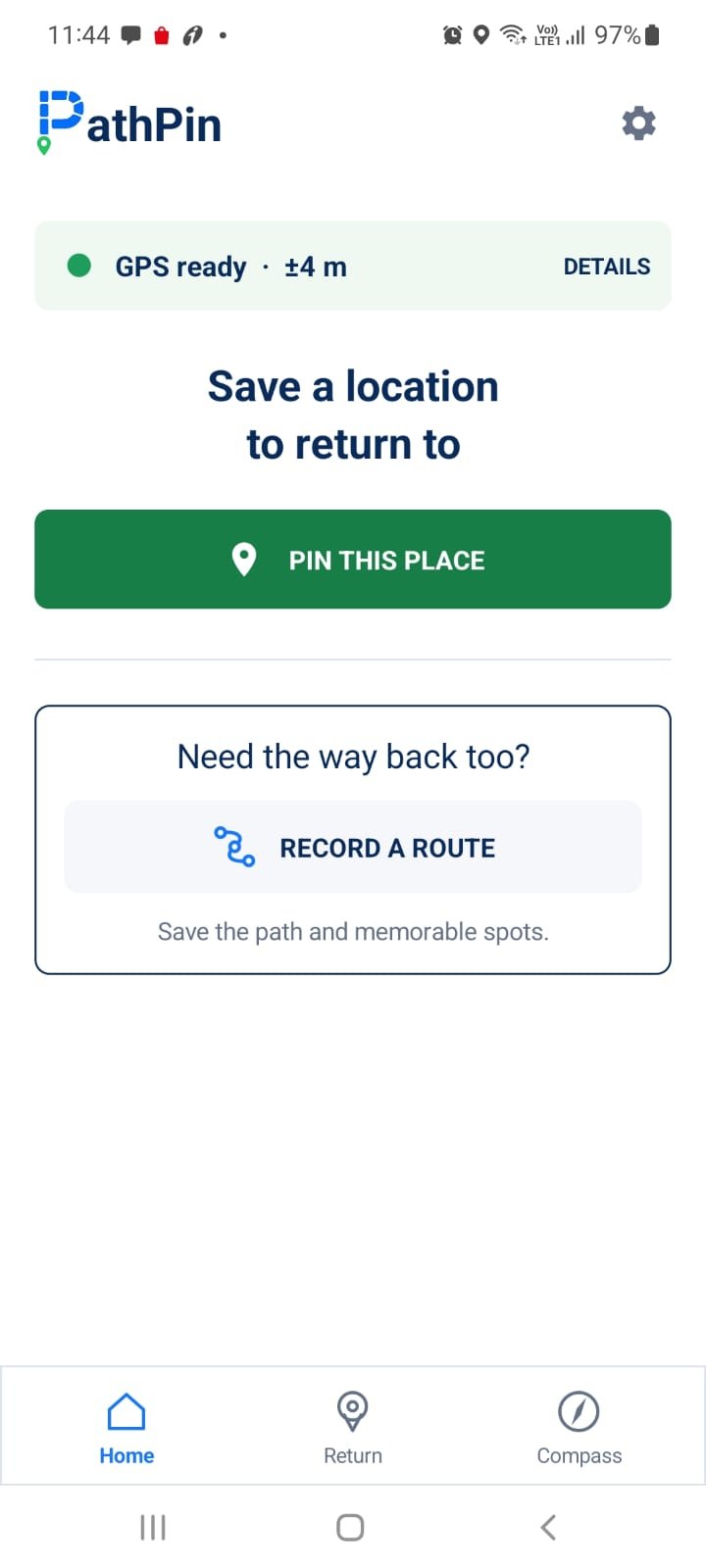
Mark your current location, or start a Route and let PathPin save available GPS points as you move.
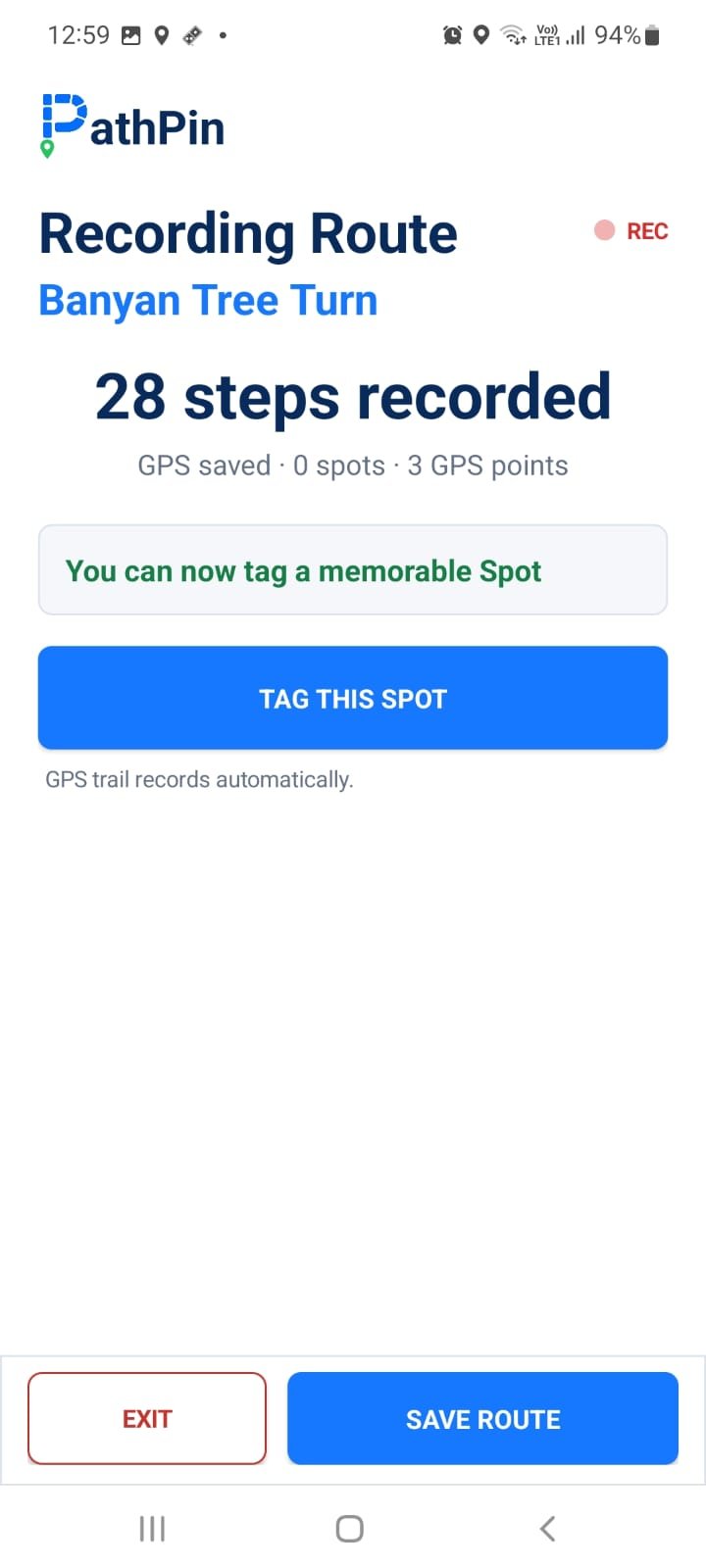
Tag doors, turns, gates, stairs, trees, or junctions as named Spots. Add an optional local voice note.
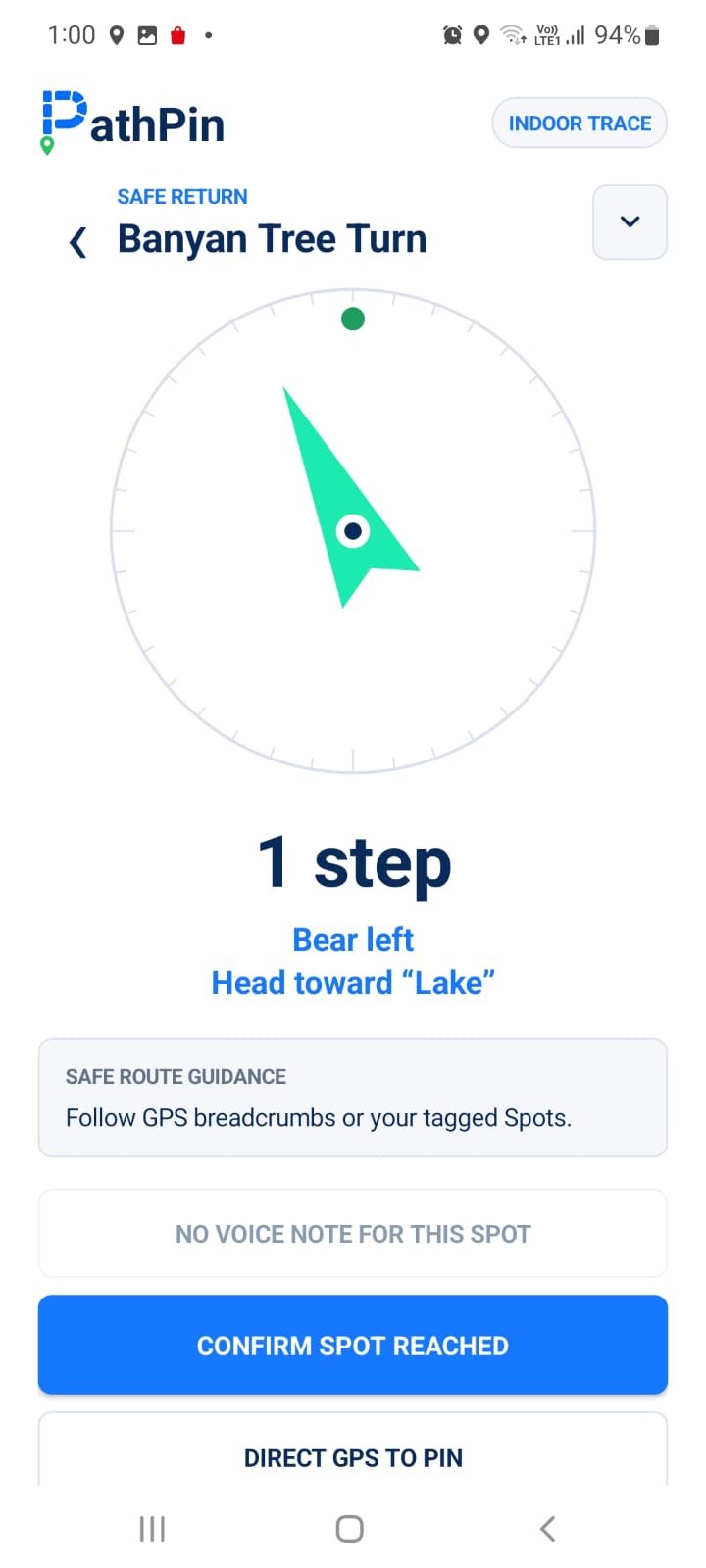
Choose a saved Pin, retrace a full Route, or guide directly to one recorded Spot.
Explore the app
PathPin replaces a dense map with a prominent action, visible GPS quality, and guidance designed to be read while moving.
Save a destination in one tap, or record the path you want to follow back.
Routes & Spots
A direct arrow cannot know about a gate, corridor, safer trail, staircase, or obstacle. Record the outward journey when you want to preserve how you travelled.
Direction without map clutter
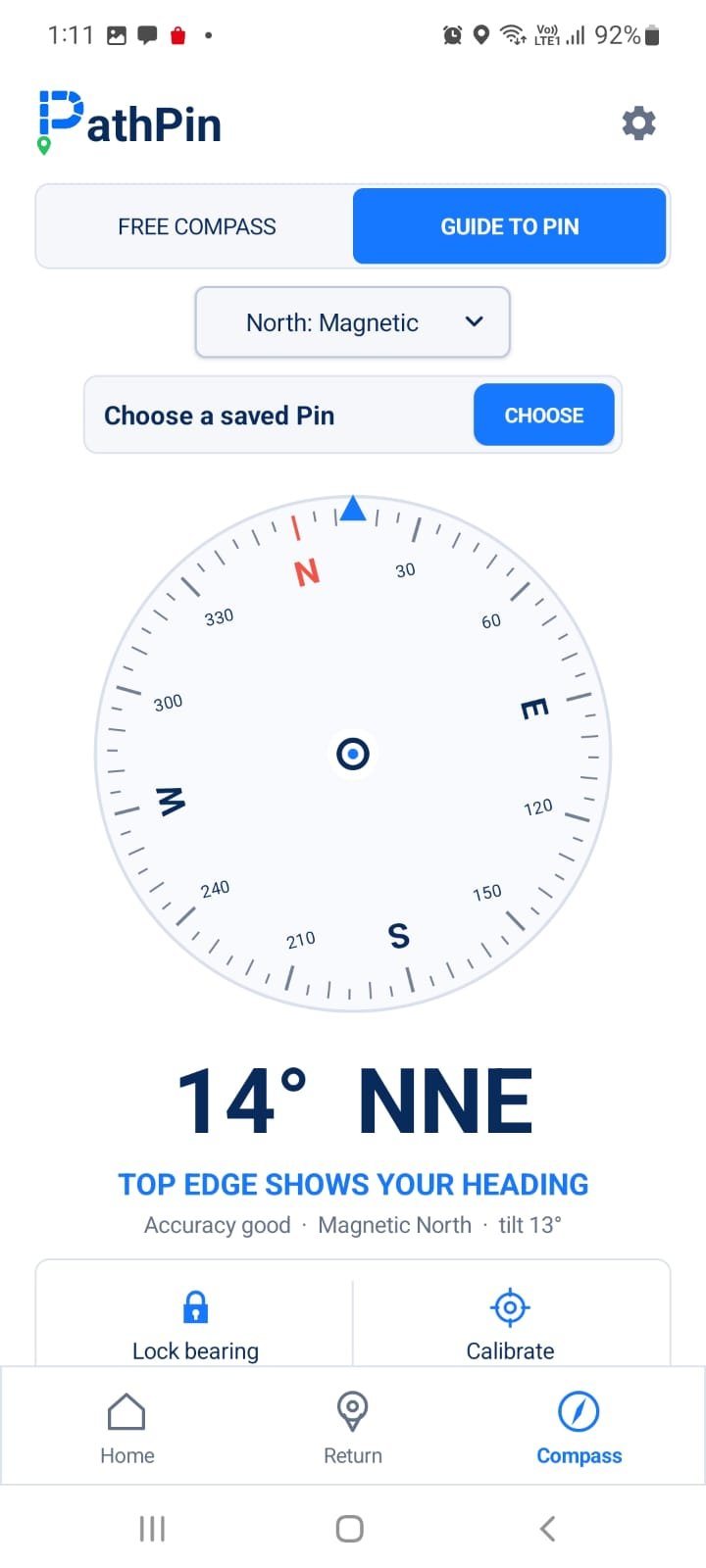
Use PathPin as a free compass, switch between Magnetic and True North, lock a bearing, or guide directly toward a saved Pin.
Private by default
Pins, Routes, GPS breadcrumbs, Spot names, and optional voice notes are stored in PathPin's private app storage on your device.
Read the Privacy Policy →Start free
The free version includes the complete return experience for up to six Pins and six Routes.
Unlock unlimited saved journeys and Night Mode through a one-time Google Play purchase. Local pricing is shown by Google Play.
View on Google PlayUse it with judgment
Buildings, roofs, terrain, weather, and reflected signals can reduce location accuracy.
Metal, vehicles, magnets, electronics, and calibration can affect heading.
PathPin does not know about walls, roads, water, cliffs, restricted areas, or safe paths.
Questions
Core navigation to Pins and Routes already saved on your device does not require mobile data or a downloaded map. GPS itself is satellite-based, although Android services and speech recognition can vary by device.
Recorded Routes retain available GPS breadcrumbs and named Spots. These can provide useful context when GPS becomes limited, but motion estimates and compass readings can drift.
No. Direct guidance points toward a saved coordinate and cannot understand obstacles or access restrictions. Use visible paths, signs, official maps, and your judgment.
Saved Pins, Routes, breadcrumbs, names, and optional voice notes remain in PathPin's private storage on your Android device.
PathPin is currently available for Android. An iPhone version is not currently available.

Available now for Android